Use hao2learn in ChatGPT
Tell ChatGPT what you want to teach, and it builds the worksheet in your hao2learn account — texts, dialogues, recordings, pictures and exercises. Then send it home as homework or run it live in class. Setup takes about two minutes.
- 1
Create your hao2learn account
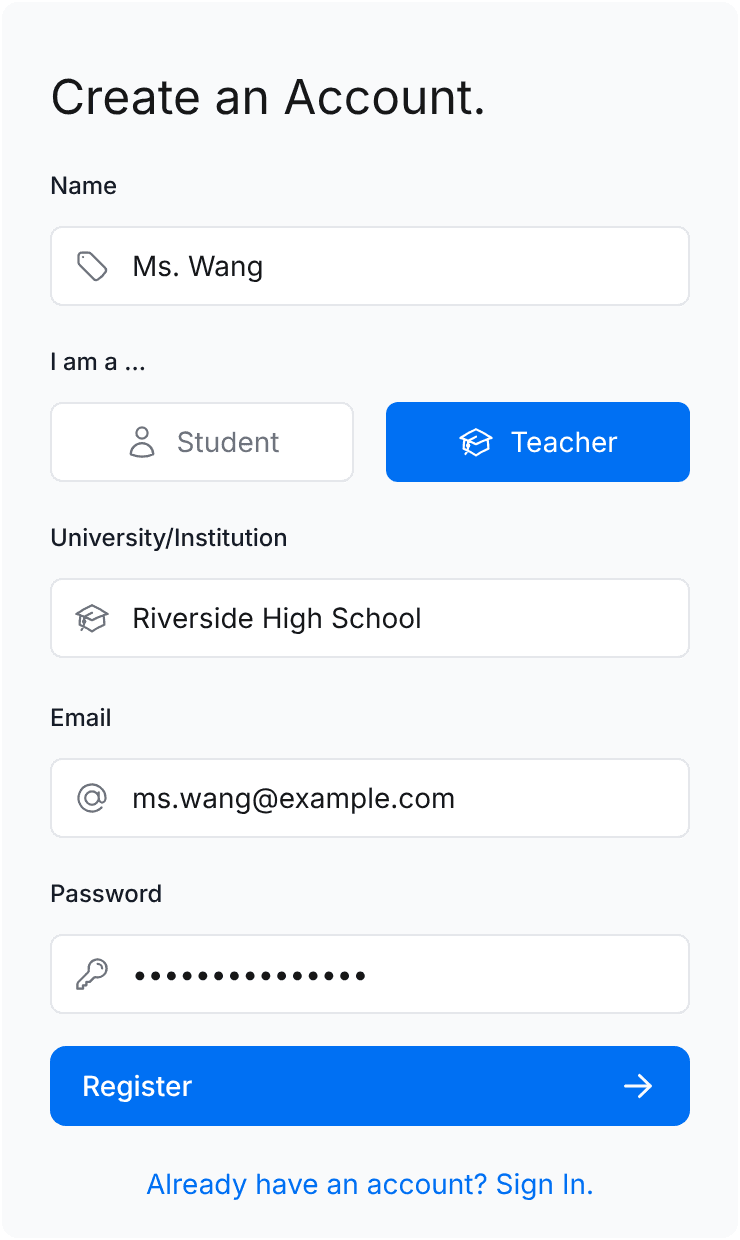
Sign up for free and choose Teacher. Already have an account? Sign in — ideally in the same browser you use for ChatGPT.
- 2
Add hao2learn to ChatGPT
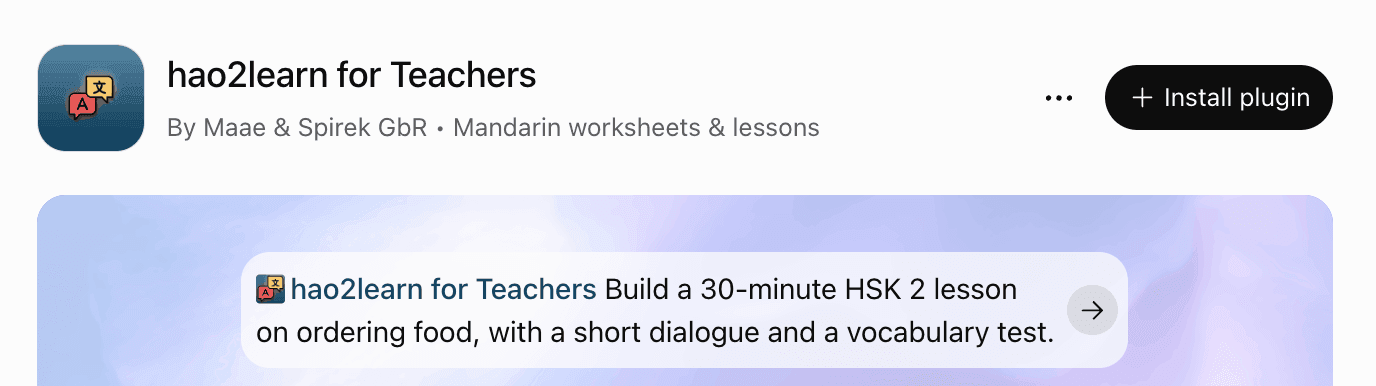
Open the hao2learn plugin in ChatGPT and click Install plugin.
Open hao2learn in ChatGPTOr in ChatGPT: click Plugins in the sidebar and search for “hao2learn”.
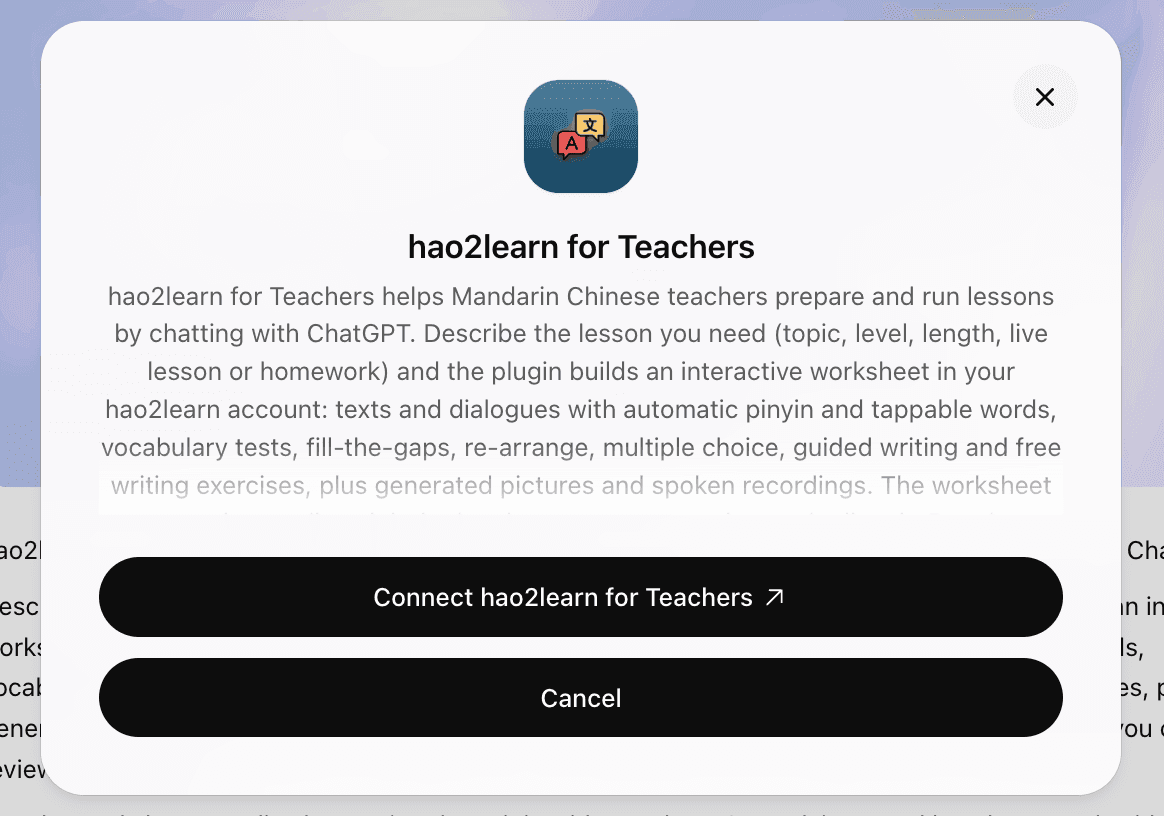
In the popup, click Connect. hao2learn opens: click Allow and you are back in ChatGPT, connected. You only do this once.
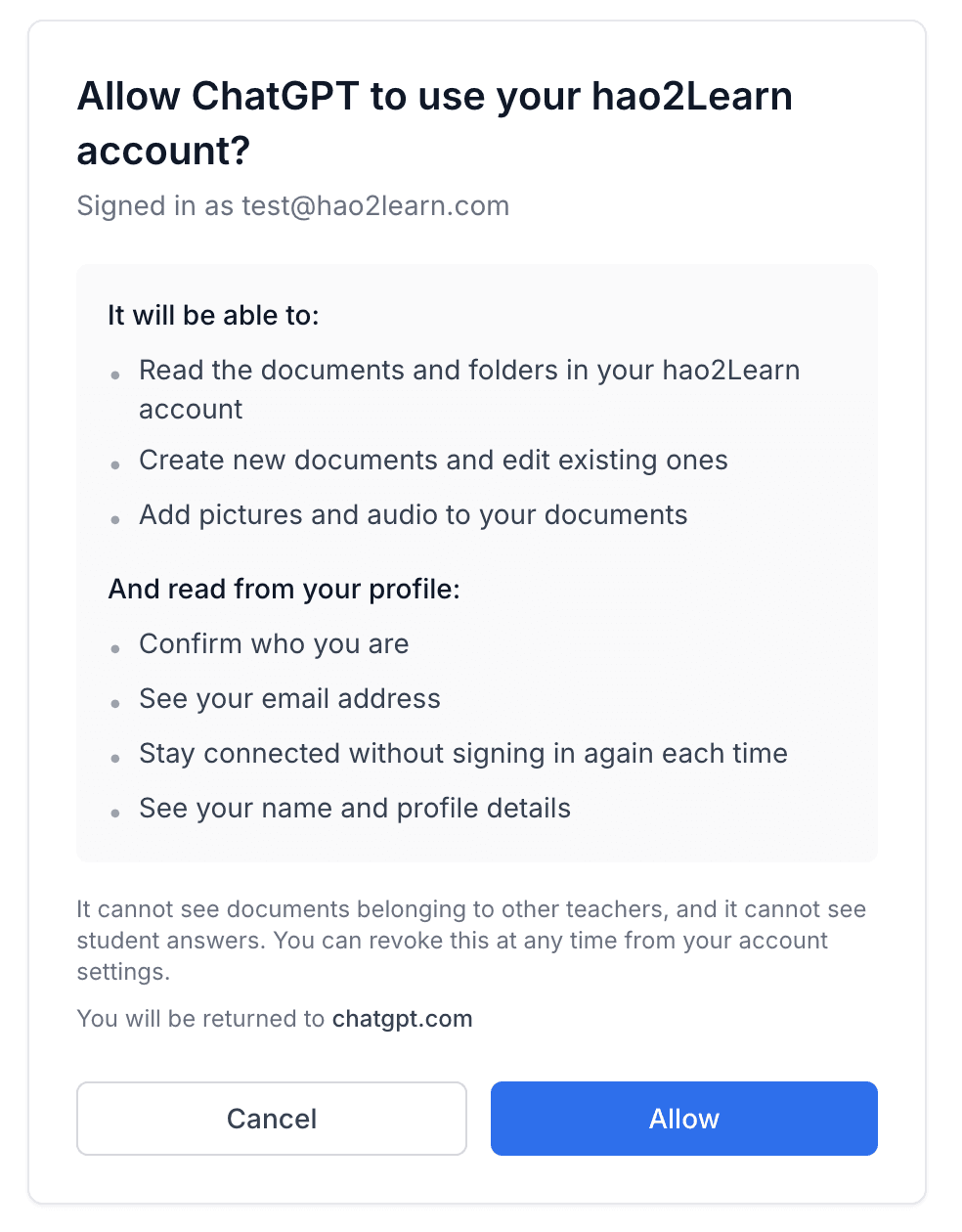
ChatGPT can only reach your own documents, and you can disconnect it at any time in your hao2learn account settings.
- 3
Start prompting
Start a new chat, type @hao2learn and say what you need. Your worksheet appears in your hao2learn account while you chat.
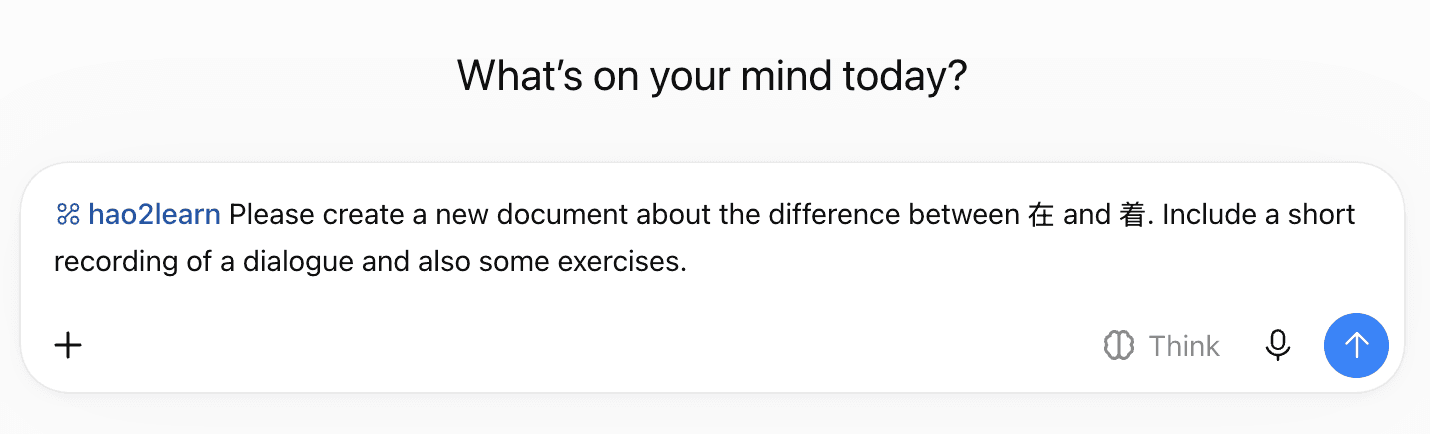
Try one of these:
Homework
@hao2learn Create a homework worksheet on 把-sentences for my HSK 3 class with a short explanation and five exercises, then give me the share link for my students.
Live lesson
@hao2learn Make a short lesson about ordering food in a restaurant, with a recorded dialogue and a quiz, and start it as a live lesson.
Results
@hao2learn How did my class do in the last lesson? Make a follow-up worksheet from the mistakes they made.